
The Notion AI Second Brain: A Step-by-Step System for Capturing and Organizing
Your mind is a terrible filing cabinet. Here's what to do instead.
You had a brilliant idea this morning.
By lunchtime, it was gone.
Sound familiar? You’re not alone and you’re not forgetful. You’re just using the wrong tool for the job. Your brain was never meant to store information. It was built to think, to connect, to create. Yet most of us are cramming it full of to-dos, half-formed ideas, articles we meant to read, and meeting notes we’ll never revisit.
The result? Mental clutter. Decision fatigue. That persistent feeling that you’re always one step behind.
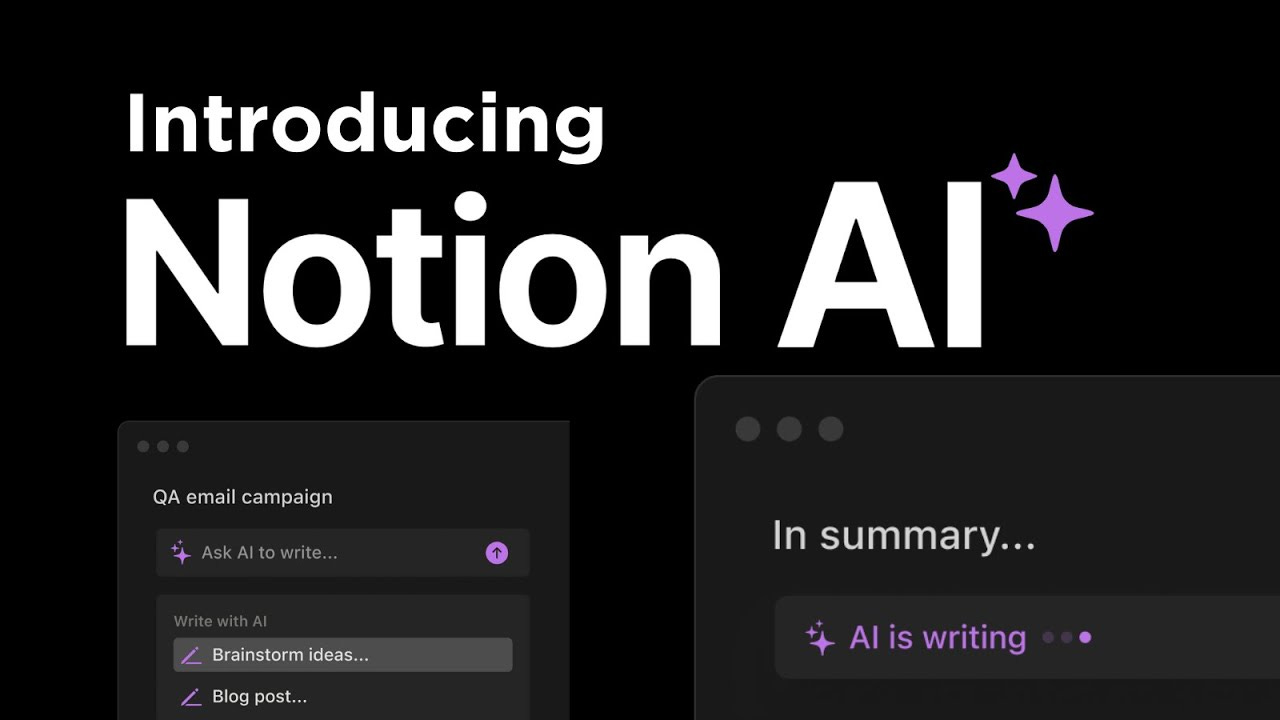
This is why the Notion AI second brain concept has taken off and why, when built correctly, it genuinely changes how you work and think. In this article, I’ll walk you through a practical, step-by-step system to build a second brain using Notion AI that doesn’t just store your ideas, but helps you act on them.
Why Traditional Note-Taking Systems Fail
Most people have tried some version of a personal knowledge management system. A folder in Google Drive. A Notes app graveyard. Sticky notes on the monitor. Evernote circa 2015.
They all fail for the same reason: they’re archives, not thinking partners.
You capture information. It sits there. You occasionally search for it, fail to find it, and re-Google something you already knew. The system becomes a chore, so you stop using it. The friction kills the habit.
Traditional note-taking tools treat you like a librarian. But what you actually need is a thinking assistant something that captures without friction, organizes without effort, and most importantly, pushes information toward action.
That’s the gap a well-built second brain system fills. And Notion AI, used intentionally, is one of the most powerful ways to fill it.
Why Notion AI Changes the Game
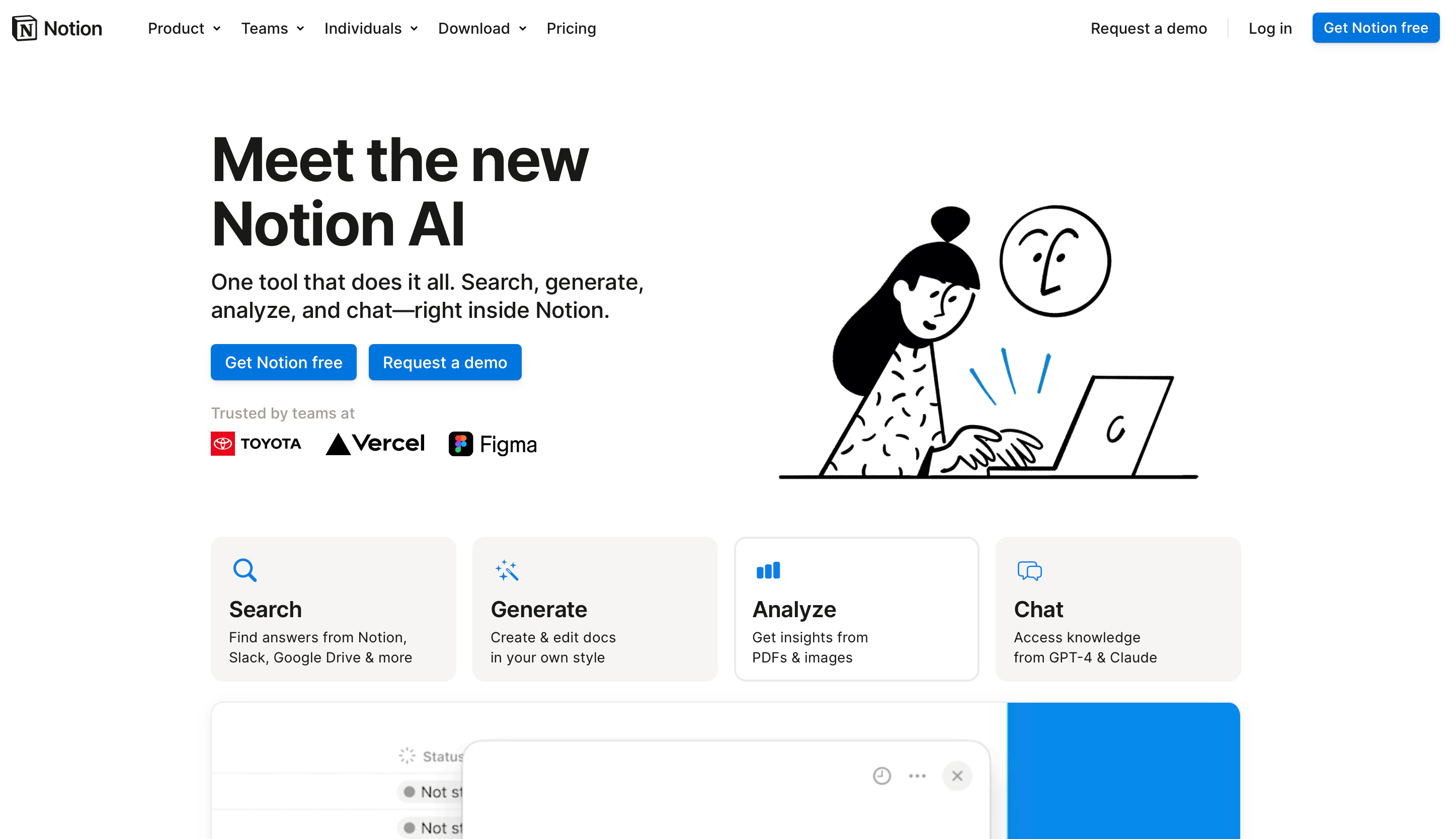
Here’s the shift that matters: AI turns information into insight.
Before AI, building a second brain required enormous manual effort tagging, categorizing, linking notes, and writing summaries. Most people got the “capture” part right and completely dropped the “organize and use” part. The system became bloated and overwhelming.
Notion AI changes the equation. Now your Notion AI workflow can automatically summarize meeting notes, extract action items, generate structured outlines from raw brain dumps, and surface relevant information when you need it. It doesn’t just store what you know, it helps you think with what you know.
That’s the difference between an archive and a Notion AI productivity system.
Your second brain should feel less like a filing cabinet and more like a brilliant colleague who’s read everything you’ve ever written and can synthesize it on demand.
The Core Framework: Capture → Organize → Act
Every effective knowledge management system lives or dies by this three-stage loop:
Capture → get ideas out of your head with zero friction
Organize → structure information so it’s findable and useful
Act → turn knowledge into output: tasks, decisions, content, clarity
Most systems collapse at Stage 2 or Stage 3. The second brain method only works when all three stages are functioning. Let’s build each one.
Step 1: Capture: Low Friction or Nothing
The first law of capturing: if it’s slow, it won’t happen.
Your capture system needs to feel like exhaling. The moment you introduce friction, opening a specific app, finding the right folder, choosing the right tag you’ve already lost. Ideas evaporate in seconds.
In your Notion productivity system, create a single page called your Inbox. This is your one destination for everything:
Ideas that pop up mid-run
Articles you want to think about later
Voice memos transcribed on your phone
Quotes that hit differently
Meeting notes dumped immediately after a call
No folders. No categories. No tags. Not yet.
The rule is simple: capture first, organize later. Your only job in this stage is to get the thought out of your head and into Notion before it disappears. Notion’s mobile app, combined with a web clipper for browser articles, makes this genuinely fast once it’s set up.
Resist the urge to organize as you capture. That’s a different brain mode, and switching between them kills momentum.
Step 2: Organize: Let AI Do the Heavy Lifting
Here’s where Notion AI productivity earns its keep.
Once a week (more on this in the workflow section), you visit your Inbox and run a simple triage. But instead of manually categorizing everything, you use Notion AI to do the grunt work.
For any substantial note or article summary, use the Notion AI “Summarize” feature to generate a crisp 3-sentence distillation. For meeting notes, use “Find action items” to pull out every task automatically. For raw brain dumps, use “Improve writing” to turn fragmented thinking into coherent paragraphs.
Then, you sort notes into four simple buckets inspired by Tiago Forte’s PARA method, but stripped down:
Projects — active work with a deadline
Areas — ongoing responsibilities (health, finances, relationships)
Resources — reference material you’ll actually return to
Ideas — raw creative material
This is your personal knowledge management backbone. Keep it flat. The enemy of a usable system is too many sub-folders. If you need more than two clicks to find something, the structure is too deep.
The AI doesn’t just save time here it makes the habit sustainable. When organizing feels light, you actually do it.
Step 3: Act: The Layer Most People Skip
“A second brain is useless if it doesn’t lead to action.”
This is where most digital second brain setups quietly die. People build beautiful Notion dashboards, fill them with notes and resources, and then... nothing happens. The knowledge just lives there.
The fix is building an action layer directly into your system.
Every note in your database should have a simple property: Next Action. Not a tag. Not a status. A literal next physical action. “Draft outline.” “Send to Alex.” “Decide by Friday.” “Read Section 3.”
Notion AI can help here too when reviewing a note or resource, ask it: “What’s a concrete next step based on this information?” The output won’t always be perfect, but it breaks the inertia of staring at a block of text wondering what to do with it.
Clarity is a system, not a feeling. You don’t wait to feel clear about what to do next you engineer clarity by asking the right questions of your information.
The Notion AI Workflow: Daily, Weekly, Monthly
A Notion AI workflow without rhythm is just a fancy folder system. Here’s the cadence that keeps it alive:
Daily (5–10 minutes)
Open your Inbox. Capture anything from the last 24 hours. Glance at your Projects board. What moves today?
Weekly (20–30 minutes)
Triage your Inbox with Notion AI assistance. Summarize, extract action items, sort into buckets. Review your Projects. Archive anything dead. Add one new “Next Action” to at least three notes sitting in Resources or Ideas.
Monthly (45–60 minutes)
Review your Areas. Are things drifting? Delete anything you’ve never opened in 60 days ruthlessly. Use Notion AI to generate a “monthly synthesis”: ask it to summarize themes across your notes from the past month. This is surprisingly powerful for spotting patterns you’d otherwise miss.
This rhythm is the skeleton. The AI note-taking tools inside Notion are the muscle.
The Mindset Shift That Makes It All Work
Building a second brain isn’t really about tools. It’s about a change in relationship with information.
Most of us are information hoarders. We save articles because saving feels like learning. We take notes because writing feels like understanding. But hoarding isn’t thinking, and capturing isn’t comprehending.
The shift is this: from collecting information to creating clarity.
Your second brain system should be a processing machine, not a storage unit. Every piece of information that enters it should either connect to something you’re actively working on, challenge something you already believe, or spark something worth creating. If it doesn’t do one of those three things, you don’t need it.
Your brain is for thinking, not storing. Your second brain is for thinking better.
Mistakes to Avoid
Over-engineering the structure. If you spend more time building the system than using it, something’s wrong. Start simple. Evolve slowly.
Treating Notion AI as a gimmick. The AI features aren’t magic, they’re leverage. Use them consistently in your weekly review and they compound over time. Use them randomly and they feel useless.
Capturing without reviewing. An inbox that never gets triaged is just organized chaos. The weekly review isn’t optional, it’s the heartbeat of the whole system.
Chasing tools instead of building habits. The best AI note-taking tools in the world won’t help you if the underlying habit isn’t there. The system should fade into the background. The thinking should feel effortless.
The Future of Thinking Systems
We’re at an inflection point. The tools available today Notion AI productivity features, AI summarization, semantic search are primitive versions of what’s coming. In five years, your digital second brain won’t just store and organize. It will proactively surface connections, draft responses, and anticipate what you need before you ask.
But the fundamental insight won’t change: the most powerful cognitive advantage isn’t raw intelligence, it’s having clear, organized access to your own thinking.
People who build strong knowledge management systems now will compound that advantage as AI tools get smarter. Your system becomes the scaffolding. The AI gets better at climbing it.
Conclusion
You don’t need a perfect system. You need a working one.
Create an Inbox page in Notion right now. Capture the three things rattling around your head this week. Enable Notion AI. Run one summary. Pull out one action item. Do the weekly review once, imperfectly, and see how it feels.
The Notion AI second brain isn’t a destination, it’s a practice. It gets sharper as you use it, more personal as you feed it, more powerful as you trust it. The people who will think most clearly in the next decade aren’t necessarily the smartest; they’re the ones who built a system that thinks with them.
Your ideas deserve better than the inside of your skull. Give them a home. Build the system. Start today.
If this was useful, share it with someone who’s drowning in tabs and scattered notes. They’ll thank you.